

















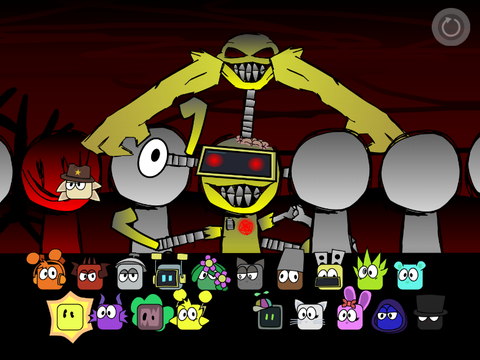
About Incredibox Dystopia
What Is Incredibox Dystopia?
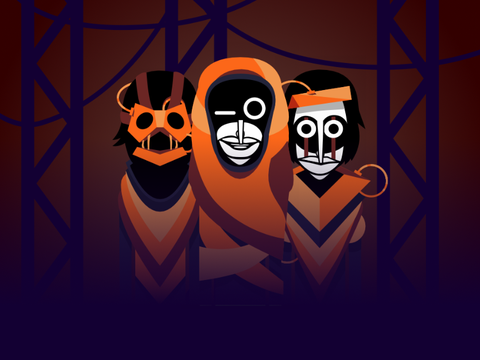
Incredibox Dystopia is one of the most popular fan-made mods for Incredibox, transporting players into a dark, neon-lit cyberpunk future. Instead of the usual cheerful beatboxers, you’ll find masked figures, hooded characters, and glowing silhouettes — all set against a gritty, high-tech urban backdrop.
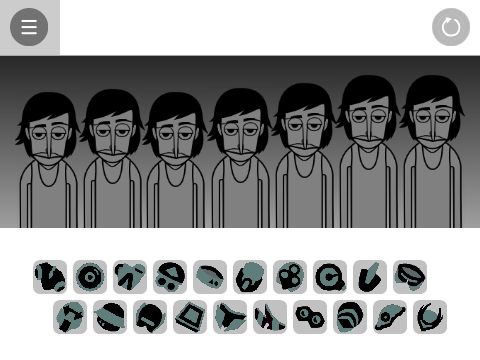
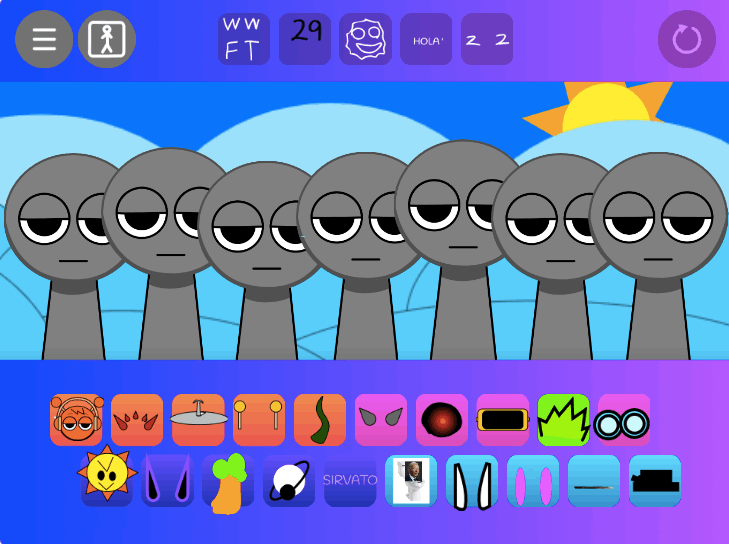
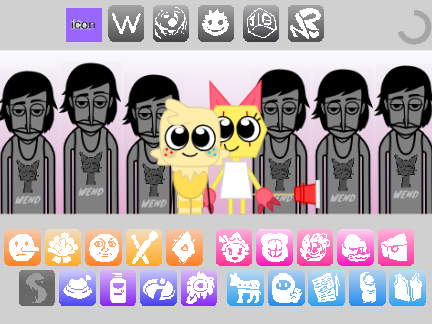
The mod follows the classic Incredibox drag-and-drop formula: assign 20 unique sound icons across seven performers to build a layered electronic track. But where Dystopia stands out is its sound design — a masterful blend of synthwave, darkwave, and industrial that creates a cinematic, atmospheric experience unlike any other Incredibox version.
With over 2,300 player ratings and a 4.8/5 score, Dystopia has become a fan favorite for its moody aesthetic and deeply satisfying sound palette.
Sound Design Breakdown
Dystopia’s sound library is built around four categories, each contributing a different layer to the overall cyberpunk soundscape:
| Category | What It Sounds Like | Role in Your Mix |
|---|---|---|
| Beats | Heavy electronic drums, deep synth bass, industrial percussion | Rhythmic backbone — start here |
| Effects | Glitchy textures, machine hum, city ambiance, dark synth pads | Atmosphere and depth |
| Melodies | Arpeggiated synth lines, dark melodic loops, lead synth riffs | Hooks and focal points |
| Voices | Robotic chants, vocoder harmonies, glitched vocals | Human element with a futuristic edge |
The key to a great Dystopia mix is balance: the beats provide momentum, effects create space, melodies give your track identity, and voices add emotional weight.
How to Play Incredibox Dystopia
Step-by-Step Guide
- Start with the rhythm. Drag 1–2 beat icons onto your performers first. A driving drum machine and deep bassline form the essential foundation.
- Build atmosphere. Add 1–2 effects to create the sense of being in a dystopian city — humming machines, distant sirens, or dark ambient pads.
- Find your hook. Experiment with melody icons until you find a synth line that locks in with your rhythm. This becomes the focal point of your mix.
- Add vocal texture. Layer in 1–2 voice icons for robotic chants or vocoder harmonies that tie everything together.
- Refine. Click any character to mute them temporarily. Listen to how each layer contributes. Remove anything that feels cluttered.
Controls
- Add a sound: Drag an icon from the palette and drop it on a character
- Replace a sound: Drag a new icon onto an active character
- Remove a sound: Click the “X” on an active icon
- Mute/Unmute: Click a performing character
- Solo: Click the small button next to a character to hear them alone
- Record: Click the record button to capture your creation
Finding the 3 Hidden Bonuses
Like all Incredibox versions, Dystopia contains three secret animated sequences that unlock when you discover specific sound combinations. Each bonus represents a core aspect of the dystopian theme — but finding them requires experimentation.
Strategy for hunting bonuses:
- Lock in 3–4 sounds that form a solid base
- Keep those fixed and systematically cycle through remaining icons one by one
- When a bonus triggers, note which icons are active — the combination is specific
- Each bonus features a unique animation and extended musical sequence that blends with your current mix
The bonuses are the most rewarding part of the experience. Don’t look up solutions — half the fun is discovering them yourself through musical experimentation.
Why Dystopia Stands Out
Among the 100+ Incredibox mods available, Dystopia consistently ranks as a top favorite. Here’s why:
- Production quality — The sound design rivals official Incredibox versions, with professionally mixed samples and seamless loop transitions
- Visual cohesion — Every character, animation, and UI element reinforces the cyberpunk theme
- Replay value — The 20 sound icons across 7 slots create thousands of unique combinations, and the three hidden bonuses give you a concrete goal to work toward
- Emotional range — Despite the “dark” label, Dystopia can produce everything from haunting ambient pieces to high-energy industrial bangers depending on your choices
Who Is Dystopia For?
- Synthwave and electronic music fans who want to create their own dark, atmospheric beats
- Incredibox veterans looking for a moodier, more challenging alternative to the official versions
- Students and educators exploring electronic music production concepts in a safe, browser-based environment
- Anyone who enjoys cyberpunk aesthetics — if you liked the soundtrack of Blade Runner, Cyberpunk 2077, or Tron: Legacy, you’ll feel right at home
More Incredibox Mods to Try
If you enjoy Dystopia’s style, explore these related mods:
- Incredibox (Original V1–V9) — The official versions that started it all
- Incredibox Cool As Ice — Chill, icy beats with a winter aesthetic
- Incredibox Trillybox — Experimental mod with trilling vocal effects
- Incredibox Sprinkle — Sprunki-influenced remix with unique character designs
Browse all available mods in the Incredibox Mod Collection.
Related Games
More mods with a similar dark or experimental direction:
- Incredibox Downtown Simulator — Hip-hop and street grid-based Incredibox mod
- Sprunki Phase 8 — Horror-themed Sprunki entry with eerie soundscapes and dark visuals
- FiddleBops but Sprunki — Sprunki characters remixed into the FiddleBops music engine